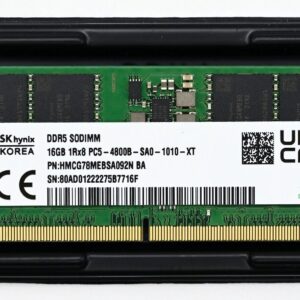
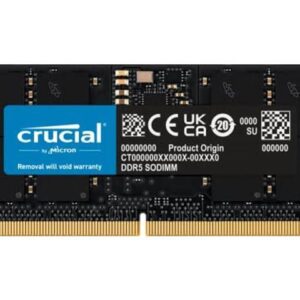
Laptop RAM selection can be confusing with various form factors, speeds, and capacities available. This guide simplifies the process to help you find the perfect RAM upgrade for your specific laptop model.
Related: laptop performance upgrade for more details on this topic.
Understanding Laptop RAM Types
Laptops use SODIMM (Small Outline DIMM) RAM, which is physically smaller than desktop RAM. Common types include:
- DDR4 SODIMM: Standard in most laptops from 2015-2022
- DDR5 SODIMM: Found in newer premium laptops (2022 and newer)
Checking Your Laptop’s Compatibility
Before purchasing RAM, identify your laptop model and check the maximum supported memory and type. Most laptop specifications include this information in your system settings.
Key Specifications to Consider
- Capacity: 8GB minimum for basic use, 16GB for multitasking, 32GB for professional work
- Speed: Match your laptop’s native speed for optimal performance
- Voltage: Ensure compatibility with your motherboard
Installation Tips
Most laptops allow SODIMM replacement. Always ground yourself before handling components, and follow your laptop’s manual for proper installation.